
AI guide
AI Document Maker: How to Turn a Rough Idea Into a Useful First Draft
Learn how to use an AI document maker for reports, proposals and structured drafts while keeping accuracy, tone and human review in the workflow.
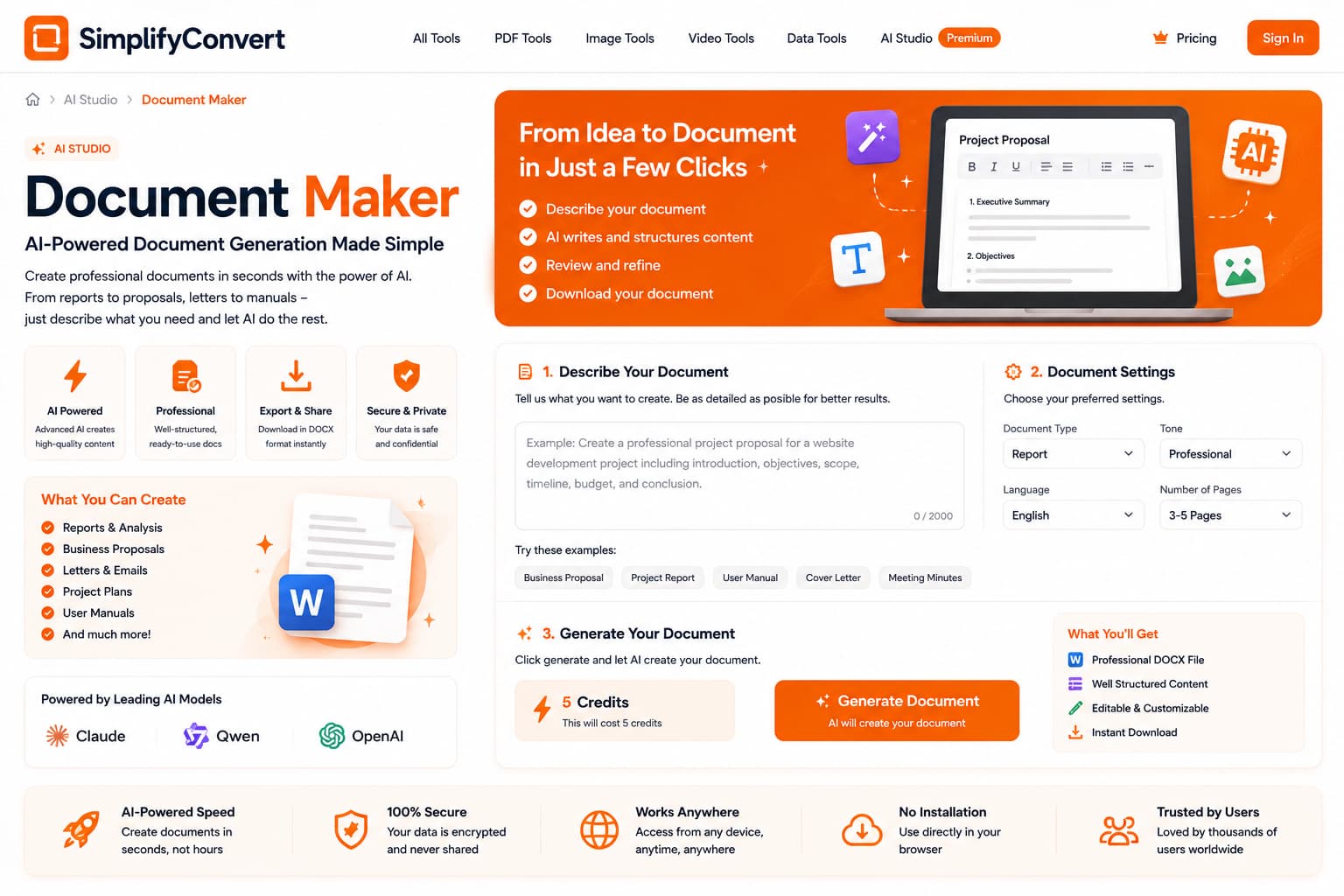
Use AI to get past the blank page, then make the document yours
Writing a document from scratch can feel slow even when you already know what you want to say. The first useful role for an AI document maker is often simple: turn scattered ideas into a structure you can edit.
That is different from asking AI to produce a finished document that nobody needs to review. A strong workflow uses generation to remove the blank-page problem, then relies on human judgment for accuracy and tone.
Tell the document what it is supposed to accomplish
A proposal, internal memo, project brief and customer letter may discuss the same topic but require different structure. State the document type, audience and desired outcome before adding stylistic instructions.
“Write a report about our website” is vague. “Create an internal monthly website performance report for management with traffic, conversions, issues and next actions” gives the draft a clear job.
Give the generator the facts you already know
AI is more useful when it organizes real information than when it has to invent the missing context. Include the facts, decisions, dates, constraints and names that must appear in the document.
If a detail is important and you already know it, put it in the prompt rather than expecting the system to infer it.
Review the structure before polishing sentences
It is easy to spend time rewriting a paragraph that later gets deleted. First check whether the draft contains the right sections in the right order. Make sure nothing important is missing and remove sections that do not help the reader.
Once the structure is sound, sentence-level editing becomes much more worthwhile.
Replace generic language with specific language
AI drafts often use broad phrases such as “enhance efficiency” or “improve customer experience.” Those phrases are not always wrong, but they become useful only when the document explains what they mean in the real situation.
Replace generic statements with the process, owner, timeframe or measurable outcome that matters to your reader.
Check facts that carry consequences
Dates, prices, calculations, legal wording, policy statements and commitments deserve explicit review. The more important the consequence of an incorrect statement, the less appropriate it is to accept the generated wording without verification.
Edit for your own voice
A useful business document should sound consistent with the person or organization sending it. Shorten phrases you would never use, remove unnecessary formality and add context the reader already expects from you.
Documents that benefit from a clear first draft
Project summaries, meeting follow-ups, proposals, internal reports, operating notes and structured outlines are good examples of documents where getting a usable first version can save time. The final value still comes from the information and judgment you add afterward.
Start a document draft
Open the SimplifyConvert AI Document Maker with a clear purpose, audience and set of facts. Use the output as a structured starting point, then edit it into a document you are comfortable putting your name on.