
AI guide
What Is SimplifyConvert AI Studio and When Should You Use It?
Learn how AI Studio differs from traditional file converters and how presentation, document and spreadsheet generation fit into practical workflows.
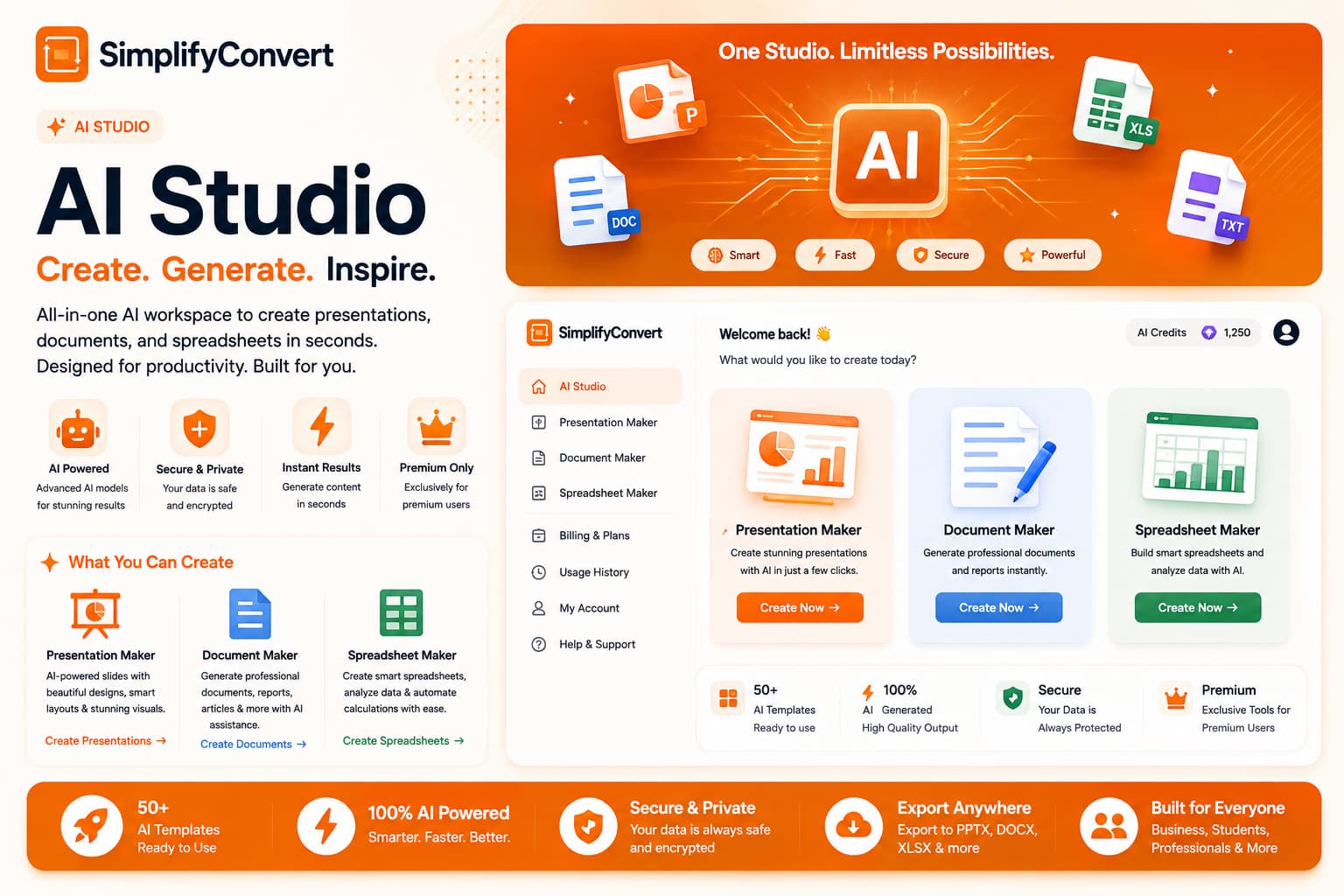
AI Studio creates a starting point that still deserves human review
Most file tools begin with something you already have. You upload a PDF, image or spreadsheet and ask the tool to change it. AI Studio begins in a different place: you describe what you want to create and use that instruction to generate a starting document.
That difference is useful, but it also changes how the result should be treated. A converted file can often be compared directly with its source. AI-generated material needs editorial review because the system is creating new content rather than merely changing a format.
Start with a clear outcome, not a long prompt
A useful prompt explains the type of file, audience and purpose. For example, “Create a short presentation explaining quarterly website traffic to a non-technical management team” gives more direction than simply asking for “a presentation about analytics.”
Extra detail helps when it changes the result. Audience, tone, sections, important facts and expected length are usually more useful than filling a prompt with decorative instructions.
Presentation Maker is useful for structure and first drafts
Starting a slide deck from a blank page can take longer than editing an imperfect first draft. AI-assisted presentation generation can help establish a sequence of slides, headings and talking points that you can then refine for your actual audience.
Facts, figures, company claims and recommendations still deserve manual verification before a presentation is shared.
Document Maker can turn an outline into a working draft
Reports, proposals and internal documents often begin with a structure: introduction, background, findings, recommendations and next steps. Generating that structure can remove the friction of the first blank page.
The resulting document should then be edited for accuracy, voice and context. The strongest final version is usually the one where generated structure is combined with human knowledge of the subject.
Spreadsheet Maker is best when you describe the job of the sheet
Instead of asking for “a spreadsheet,” describe what you intend to track: project tasks, monthly expenses, leads, inventory or another structured workflow. That gives the generator a reason for each column rather than producing an arbitrary table.
Generated does not mean verified
AI systems can produce confident-looking material that is incomplete, imprecise or inappropriate for a particular business context. Review names, dates, calculations, statistics, legal language and other high-impact details before relying on them.
For spreadsheets, check formulas and totals. For documents, verify factual claims. For presentations, make sure the story still makes sense when you read the slides from beginning to end.
When AI Studio is not the right tool
If you already have the correct content and simply need another format, use a converter. If an existing image needs compression, use an image tool. If a PDF needs a signature, use a signing workflow. AI generation is most relevant when new material needs to be created.
Explore AI Studio
You can explore the available generation workflows from SimplifyConvert AI Studio. Start with a clear purpose, generate a draft, and then review the finished file as carefully as you would a document created manually.