
Data guide
Data Conversion Tools Explained: CSV, Excel, JSON and Structured Files
Learn how common data formats differ and what to check when converting CSV, Excel, JSON and other structured files between systems.
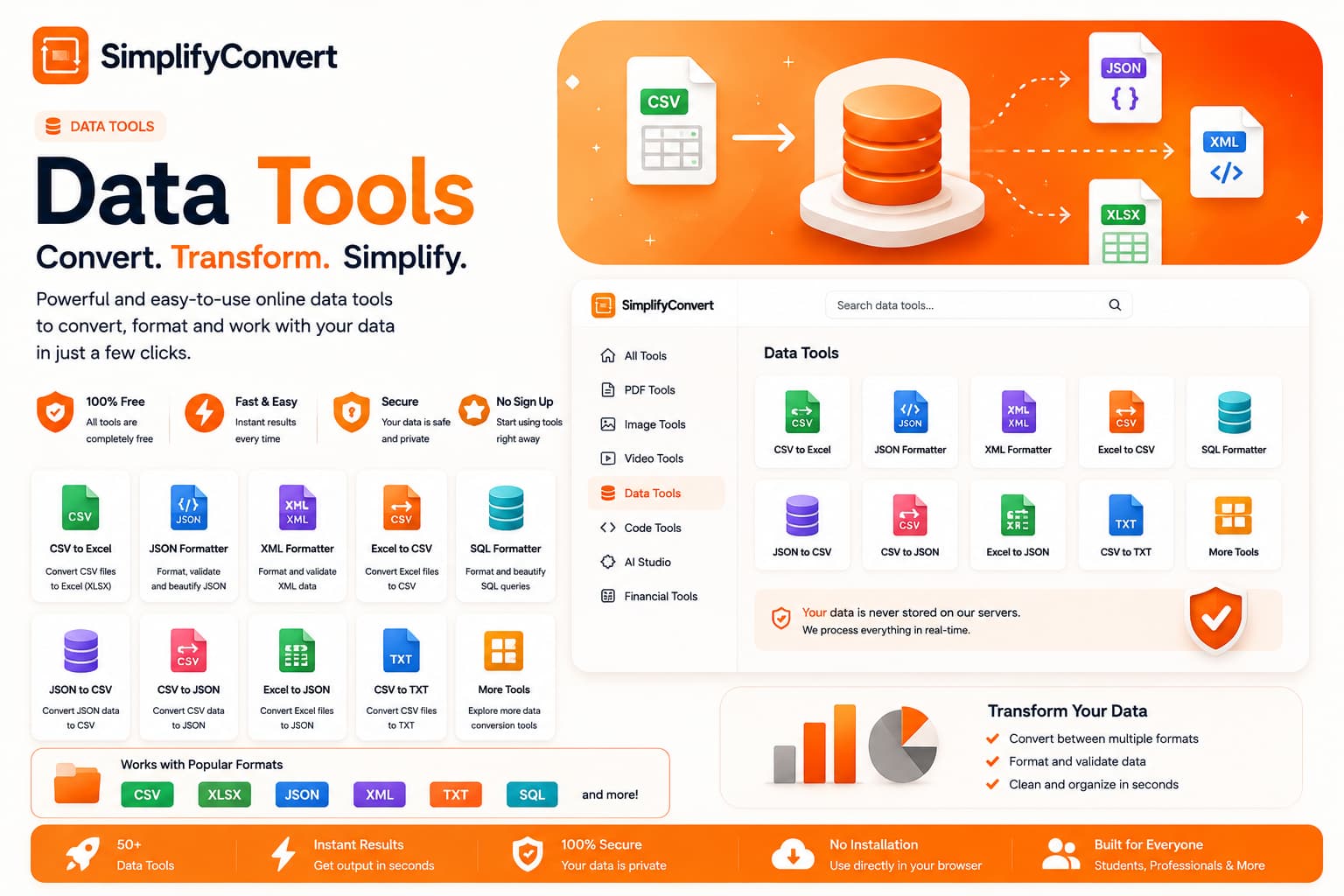
A successful data conversion preserves the meaning your next system needs
Data conversion looks straightforward until a file opens and the values are technically present but no longer mean quite the same thing. A date becomes plain text, a product code loses its leading zero, or nested JSON is flattened into a table that no longer shows the original relationship.
The important part of a data conversion is not simply producing another extension. It is preserving the information the next system actually needs.
CSV is simple because it intentionally stores less
CSV works well for exchanging flat tables. Rows become records and columns become fields. Its simplicity makes it widely useful, but it does not preserve spreadsheet formulas, colors, charts or multiple worksheets.
Values such as postal codes, account numbers and product IDs also need attention. A code like 00125 may be an identifier rather than the number 125, so software that automatically treats it as numeric can alter the meaning.
Excel is more than a collection of rows
An Excel workbook may contain formulas, formatting, multiple sheets, filters, charts and other document-level features. Converting a worksheet to CSV usually keeps the table values but leaves those workbook features behind.
That is not necessarily a problem. It simply means you should decide whether the destination needs a table of values or the richer workbook.
JSON can represent structure that a table cannot
JSON can contain objects inside objects and arrays of related values. A customer record might contain an address object and a list of orders. Representing that same information in a flat CSV requires decisions about repetition, separate tables or how nested values should be flattened.
When converting JSON to a spreadsheet, inspect how those nested relationships have been represented rather than assuming every structure can become one neat worksheet automatically.
Dates need a clear convention
A value such as 04/05/2026 can mean different dates depending on regional conventions. Systems exchanging data are safer when dates use an unambiguous representation and the receiving application knows how to interpret it.
Empty, zero and null are not necessarily the same thing
A blank cell can mean “not supplied,” while zero can be a real measured value. JSON also has an explicit null value. During conversion, those distinctions can matter to reports, imports and calculations.
Encoding becomes visible when names look wrong
Character encoding determines how text becomes bytes. UTF-8 is common, but files created by older applications may use other encodings. If accented characters or non-English names become garbled after opening a file, encoding is one of the first things worth checking.
Check the converted file before importing it
Data mistakes can be harder to notice than visual mistakes in an image. Before importing a converted file into another system, inspect a few records from the beginning, middle and end. Pay special attention to identifiers, dates, decimals, empty values and fields that were nested in the source.
Explore SimplifyConvert Data Tools
For supported CSV, spreadsheet, JSON and structured-data workflows, browse SimplifyConvert Data Tools. After converting, verify that the structure and important values still make sense for the system that will use them next.